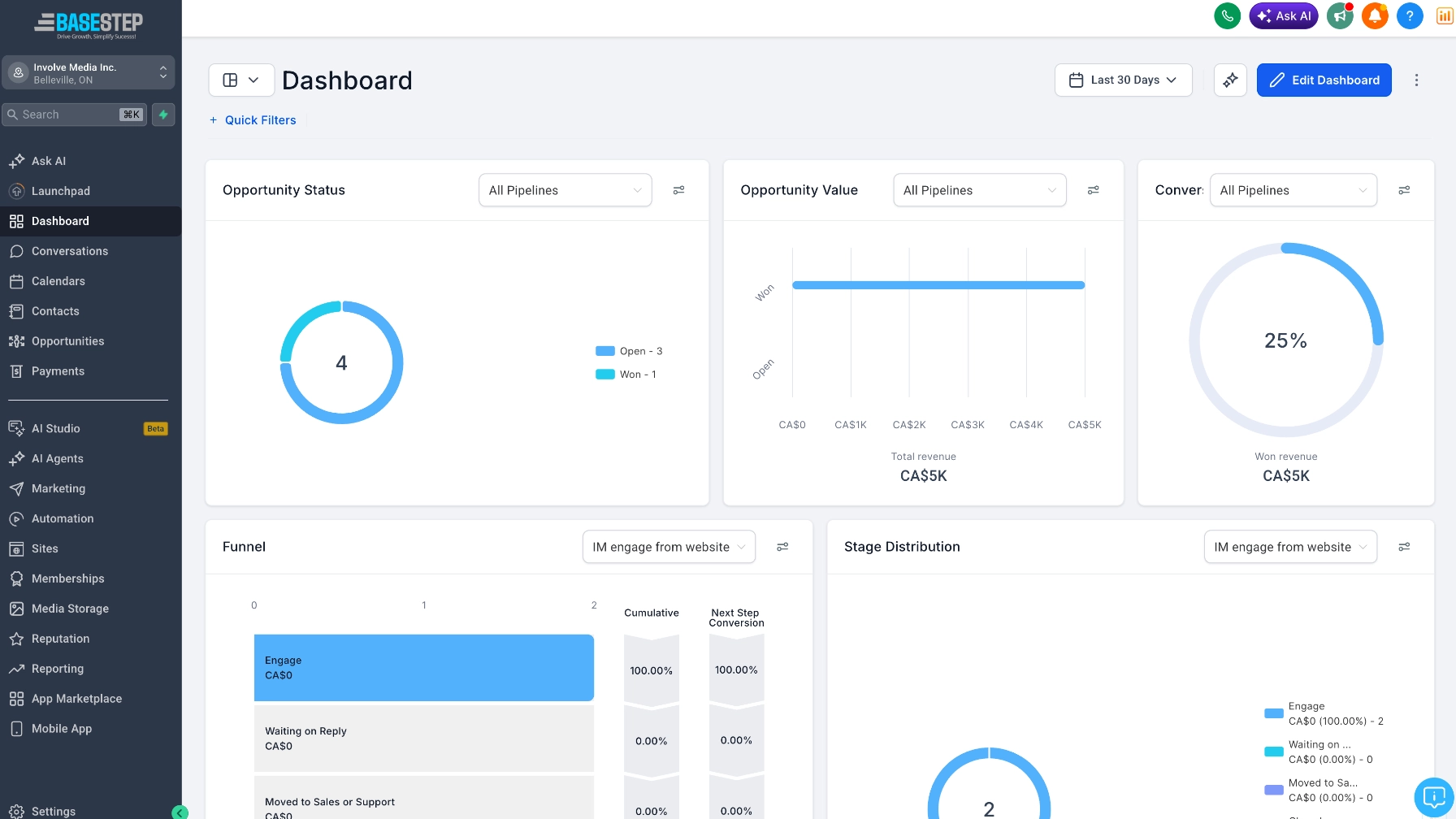
Stop losing track of your customers

A simple system to manage your leads, follow-ups, and customer relationships. Set up properly from day one.

Let's set up your CRM

You've got customer information in three different places. Some in your email, some in a spreadsheet, some scribbled on paper. A lead came in last week and you meant to follow up, but it slipped through the cracks. That's probably happened more than once.

You've heard of CRMs but the options are overwhelming. HubSpot, Zoho, Salesforce, Monday, Pipedrive. Each one has a hundred features, a pricing page that needs a translator, and a setup process that assumes you have an IT department.

You don't need enterprise software. You need a clean system that fits how your business actually works. Something that reminds you to follow up, shows you where every lead is at, and doesn't take a week to learn.

What you get

One place for everything

All your contacts, leads, and customer history in a single system. No more digging through emails and spreadsheets.

Follow-ups that don't slip

Automatic reminders when a lead needs attention. Pipeline stages that show exactly where every deal stands.

Set up for your workflow

Not a default template. Fields, stages, and automations configured to match how your business actually operates.

You'll know how to use it

A proper walkthrough so the system doesn't become another tool you're paying for but never open.

How it works

01

Map out your process

How do leads come in? What happens next? Where do things fall through? Understanding your workflow comes before picking any software.

02

Set up and configure

The right CRM platform, configured with your pipeline stages, custom fields, integrations, and automations. Ready to use, not half-finished.

03

Training and handoff

A walkthrough of everything. How to add contacts, move deals through stages, set reminders, and pull reports. Plus documentation you can refer back to.

Zero leads lost

Every lead tracked, every follow-up on time.

Good fit if...

  • Customer info is scattered across emails and spreadsheets
  • Leads slip through the cracks regularly
  • You signed up for a CRM but never set it up properly
  • You don't have an IT department to configure it

Forms feeding into your CRM? Website design

Common questions

Depends on your business. Zoho CRM works well for most small businesses and is affordable. HubSpot is great if you want marketing tools built in. The recommendation comes after understanding your needs, not before.

That's actually the best time to set one up. Starting with good habits when you're small means you're not scrambling to organize when you grow.

Yes. Most CRMs integrate with Gmail and Outlook so emails are automatically logged against the right contact. No manual data entry.

Many have free tiers that work perfectly for small businesses. Paid plans typically start at $15-30 per user per month. The setup service is a separate one-time cost.

That's the goal. A CRM that's set up around your real workflow is one you'll actually open every day. The training and walkthrough are specifically designed to make it stick.

Let's get your customers organized

Share a bit about your business and how you currently manage leads and customers.